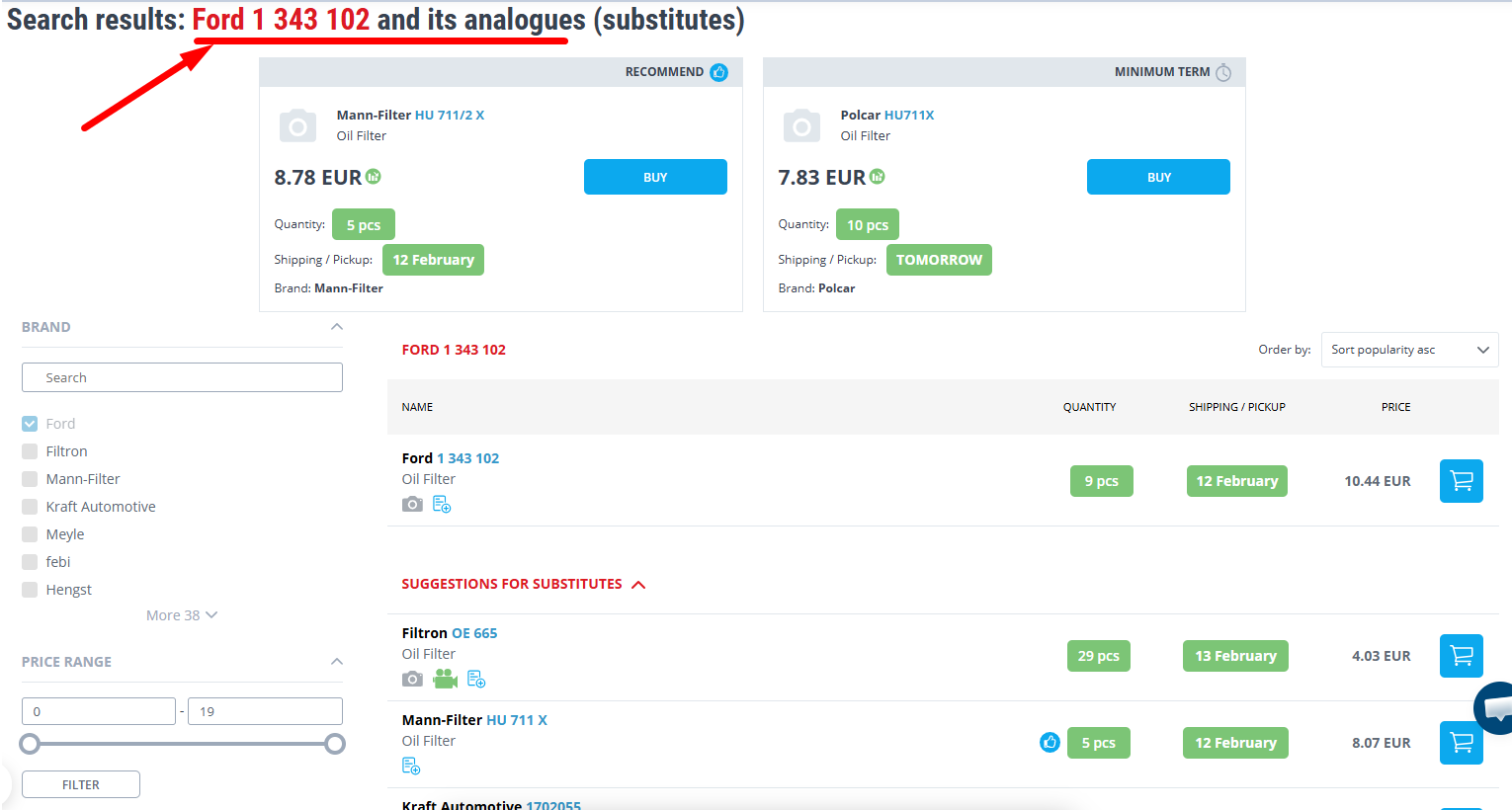
Original catalogues
Steps for Searching in Original Catalogs
Original catalogs contain accurate information about parts recommended by the manufacturer for specific car models. However, access to these catalogs is only available for registered users, who have logged in to the site using their login and password.
1. Registration and Authorization
To start, you need to register on the 2407.PL website. Go to the registration page and fill out the form. After that, log in to the site using your login and password. Working with original catalogs is only available after authorization.
2. Search by VIN Code or FRAME Number
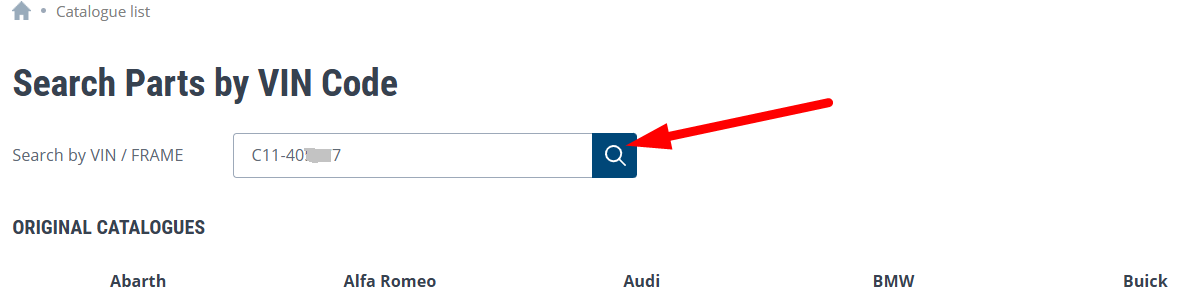
2.1 For convenience, you can use the VIN code (Vehicle Identification Number) or FRAME number (body number). This will allow you to find parts that precisely fit your car.
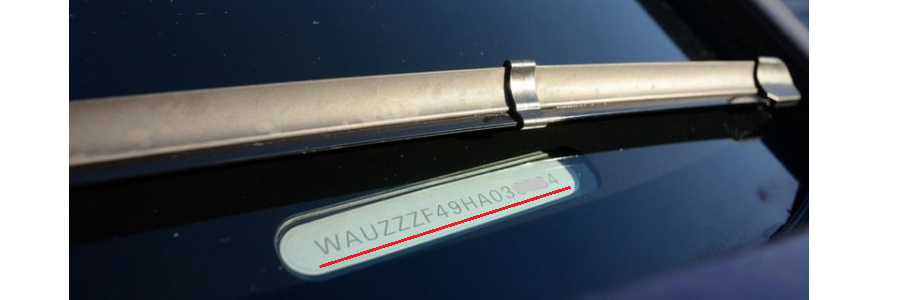 | 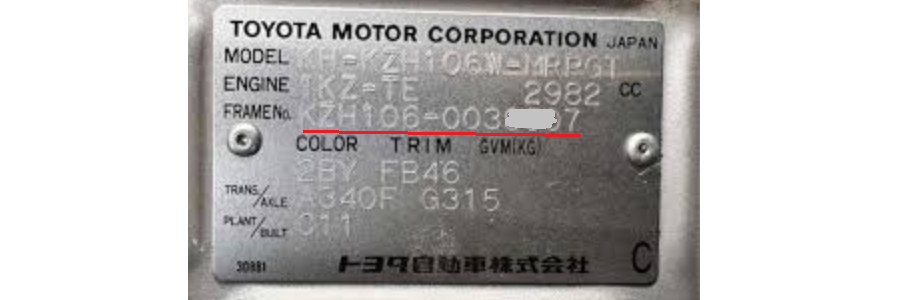 |
2.2 You can enter the VIN code or FRAME number directly in the main search window on the home page or on the "Original Catalogs" page, where there is a special field for this.
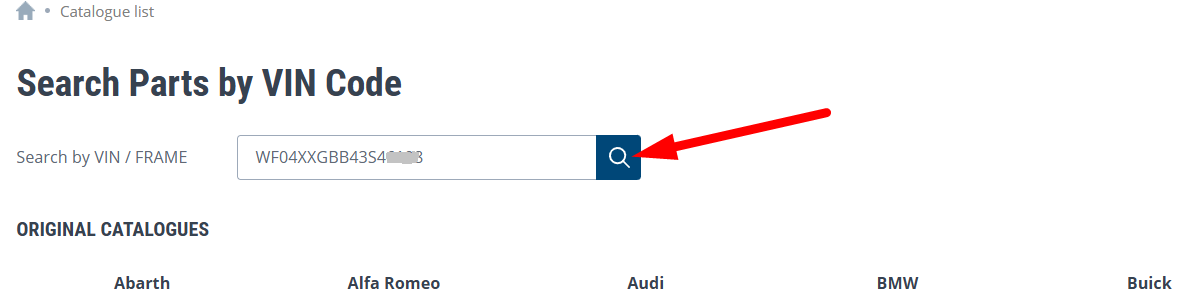 |  |
3. Search by Car Brand and Model
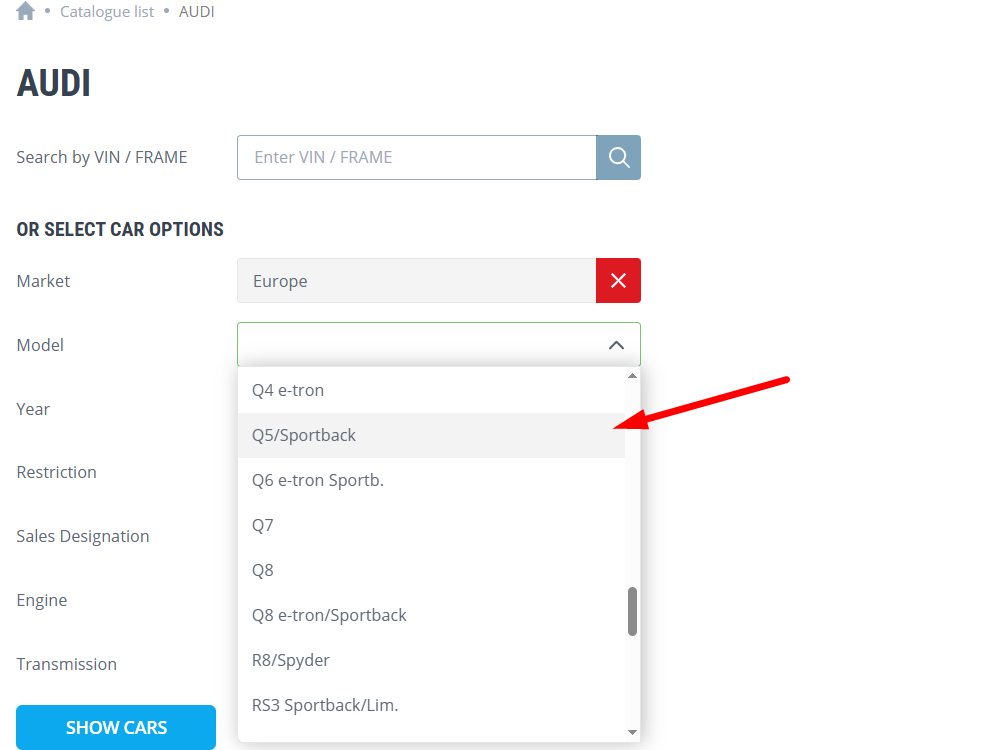
If you do not have a VIN code or FRAME number, you can search for parts by car brand, model and modification parameters (e.g., year of manufacture, body type, engine type, etc.). This method also allows you to find the exact parts that fit your car.
4. Search in the Catalog by Groups or Images
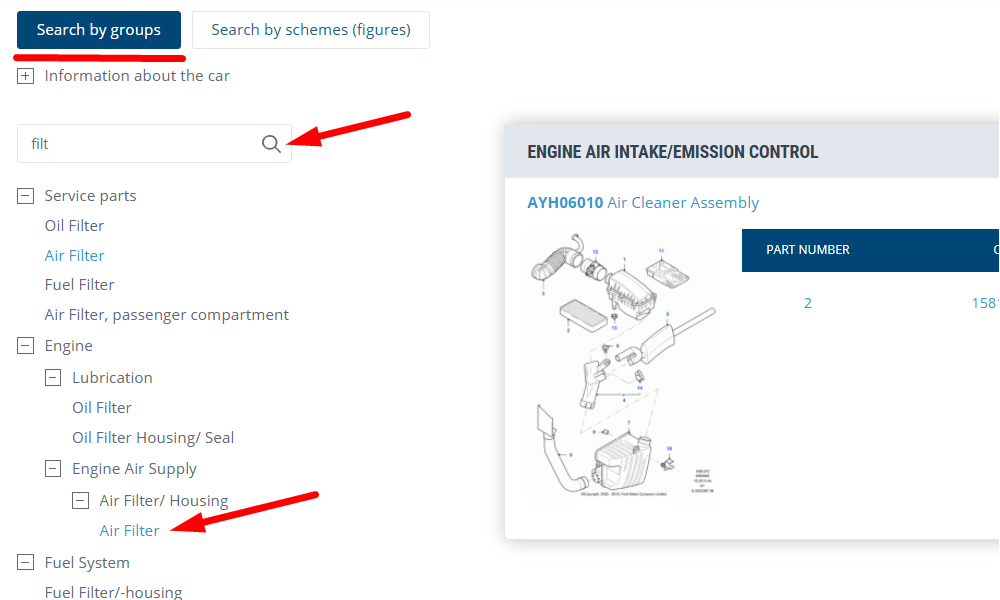
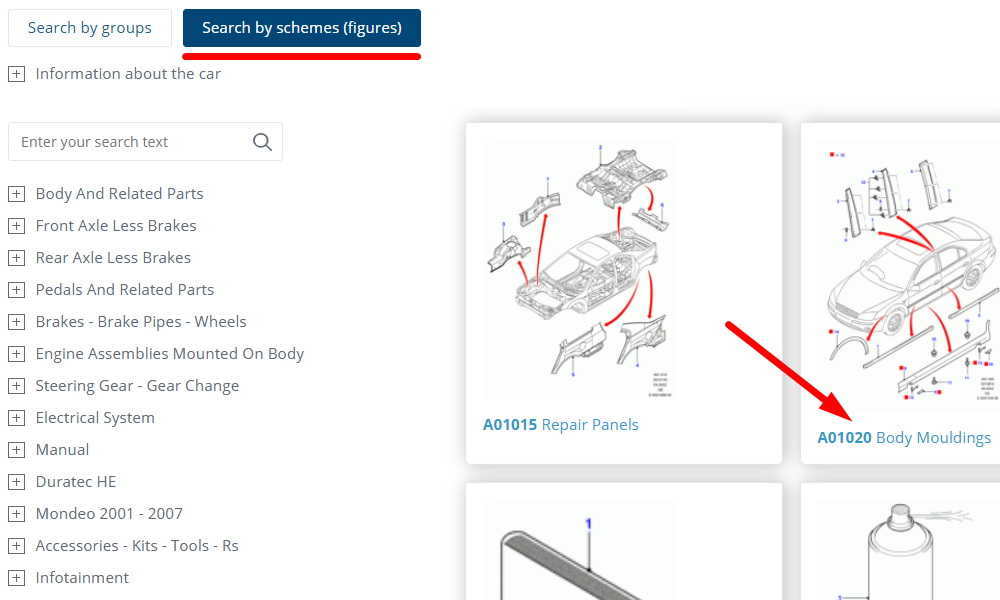
After you have selected a car, you can search by product groups, images or keywords available on the site. This will allow you to find the required part faster by its visual image or characteristics.
 |  |
5. Navigate to Detailed Schematics
When you find the needed category of parts, you can navigate to detailed schematics, where all part options for your car will be displayed. This helps better navigate the options and choose the required part.
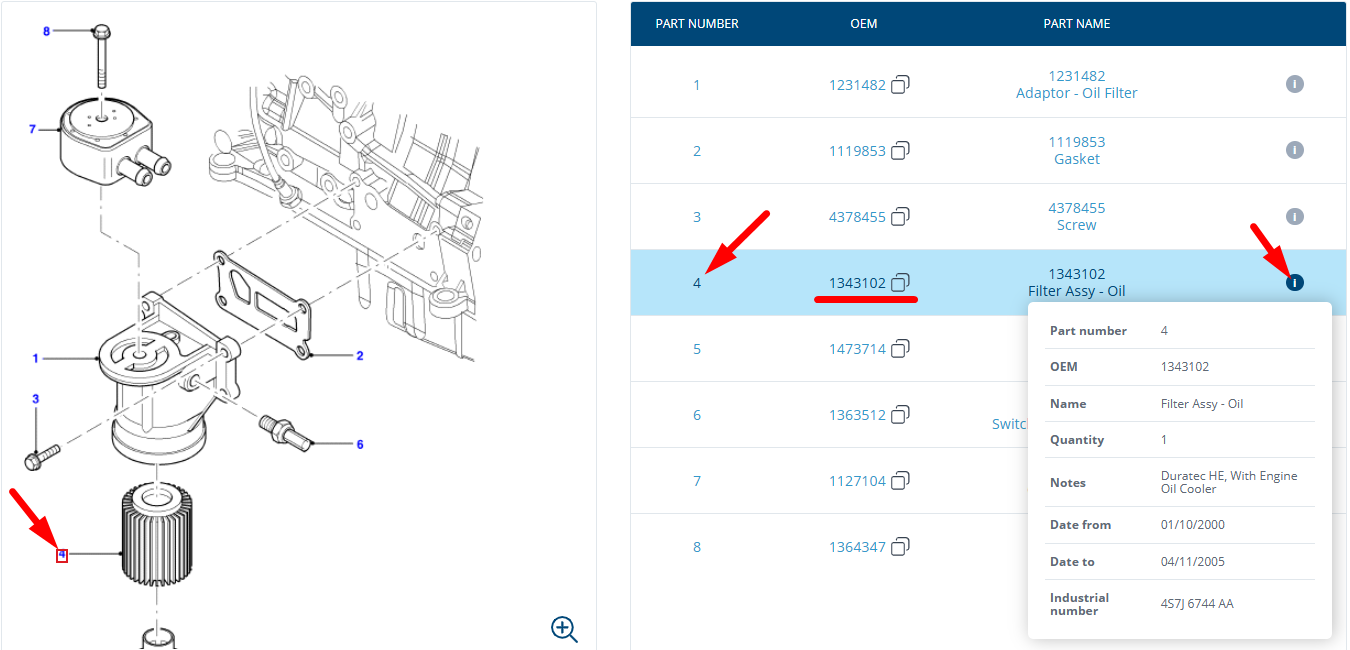
6. Review Results by Part Number
When you click on the part number, you will see:
- Search results for the specified number
- Delivery date
- Price for both the original part, and replacements.
This allows you to choose the most suitable option and place an order for the required part.